

QR tracking
Know which business picked up the mail.
Every piece carries its own QR code, so a scan tells you who picked up the mail. Qraffic runs the codes and the pages behind them.


From mailbox to scan
1. Piece mails
One unique code printed per piece
2. Recipient scans
Camera opens the code's link
3. Personal page
A /go/ page built for that recipient
4. Scan recorded
Saved in LLCDrop against the business
One code per piece
A shared code only tells you a campaign worked. Each piece here gets its own code, tied to the business it was mailed to, so a scan identifies the recipient.
A page made for that recipient
The code opens a /go/<token> page filled with that recipient's own variables, such as their business name. The page can carry a call to action, a booking or an order form.
What gets recorded
Each scan is sent from Qraffic to LLCDrop and saved against the business you mailed. A record holds:
- The business and the campaign
- When it happened
- Device, operating system and browser
- Approximate location: city, region and country
You see them in the Scans view in LLCDrop. Your account manager gets an email for each scan by a person. Link previews and bots are recorded but not emailed, and a repeated delivery of the same scan is dropped.
When they respond
If the page has a form and the recipient submits it, LLCDrop records that too. The answers are saved on the business's record, a phone number is added if the record had none, and your account manager is emailed.
Where the code sits
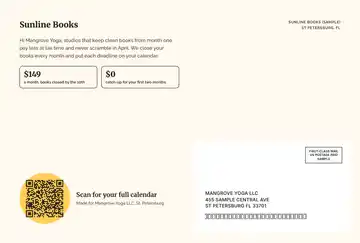
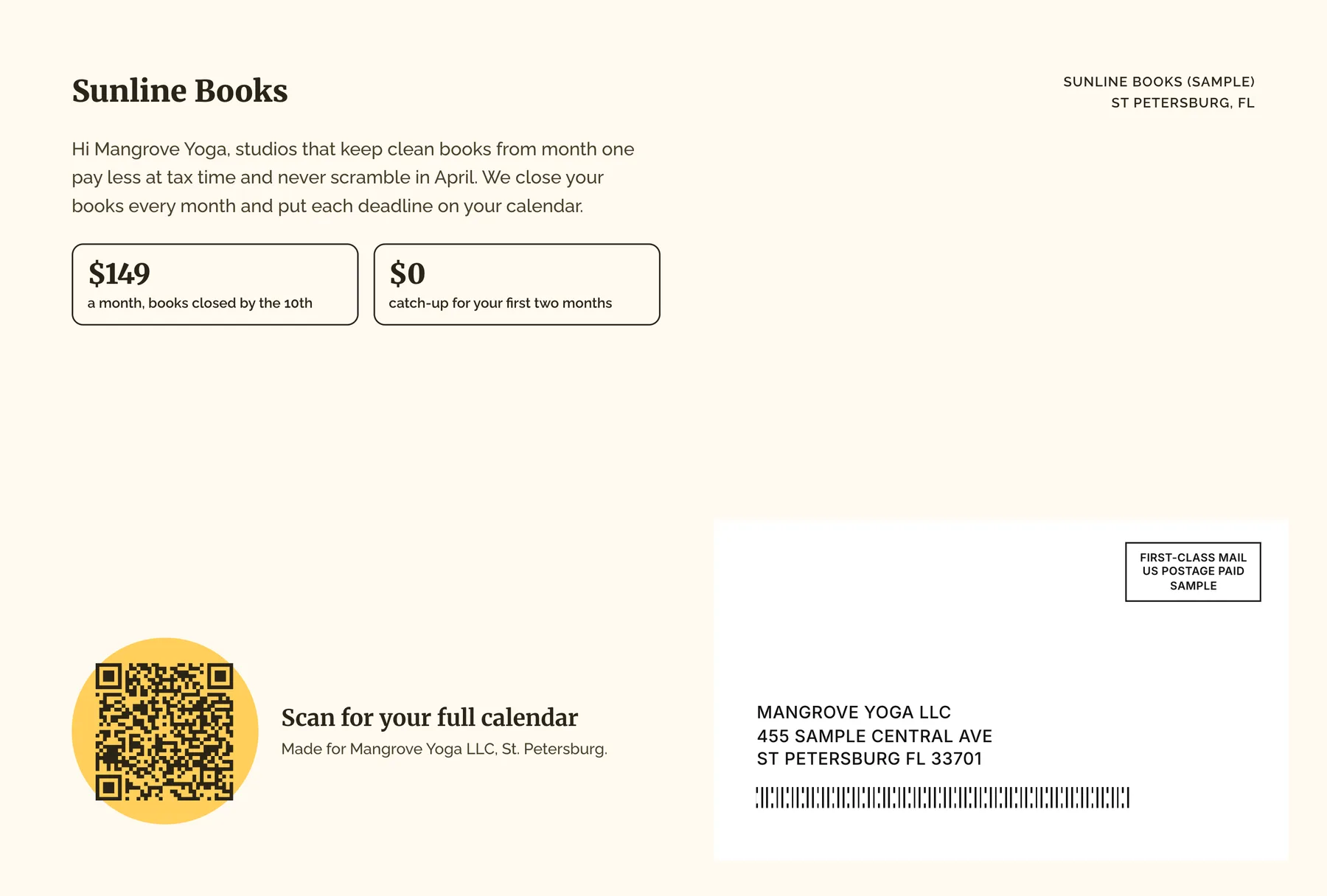
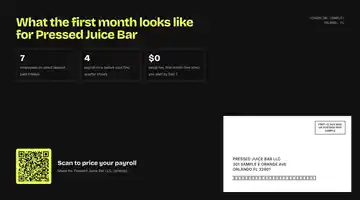
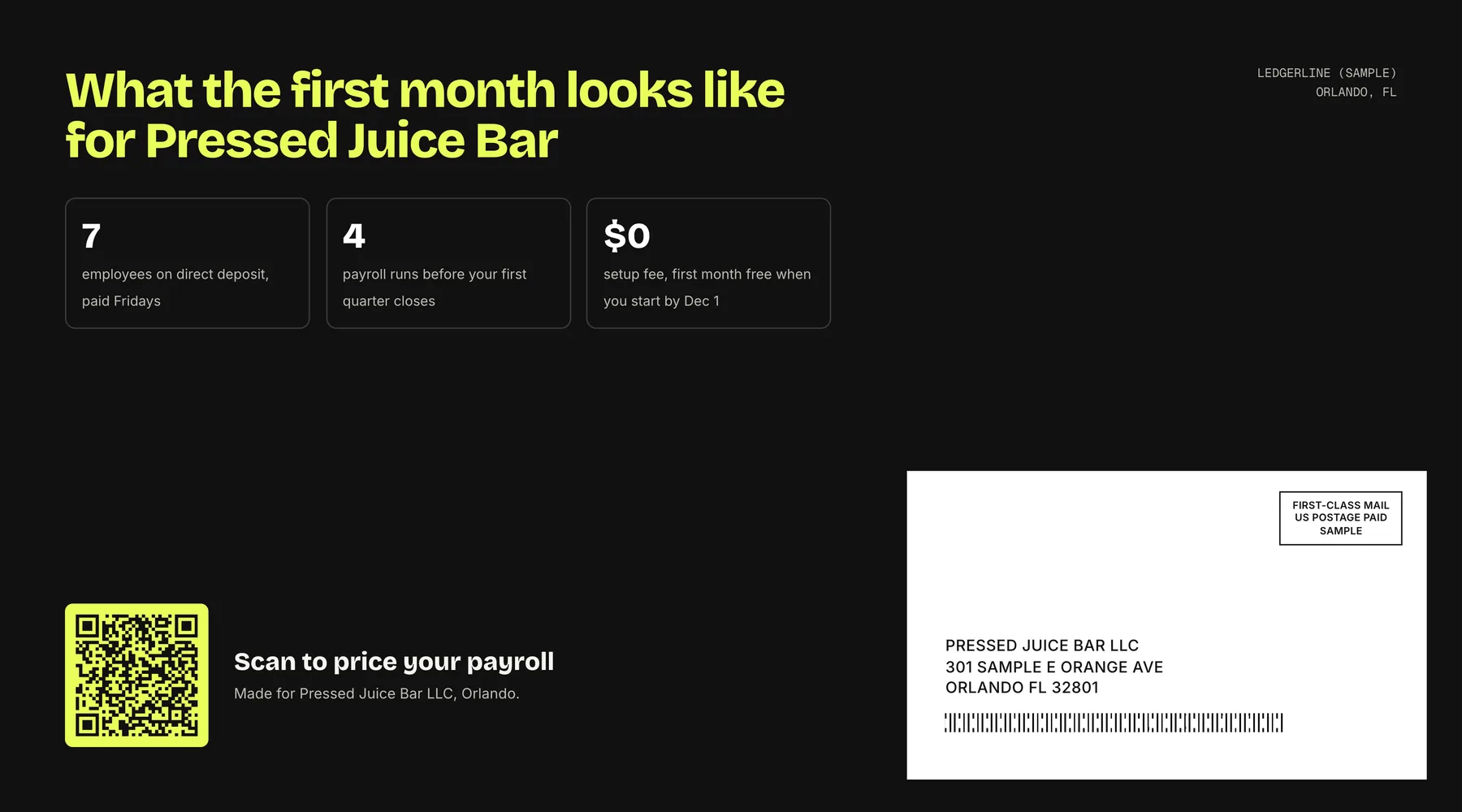
The code is part of each design, beside the copy that tells the reader what scanning gets them. These are the address sides of the sample postcards; each code scans.
See it in use
Scan the live codes on the postcard examples and the letter examples.